What it does
Checks photos, texts, SEO, data, prices and collections, scores the catalog weighted by revenue, and suggests AI fixes you review before they go live.
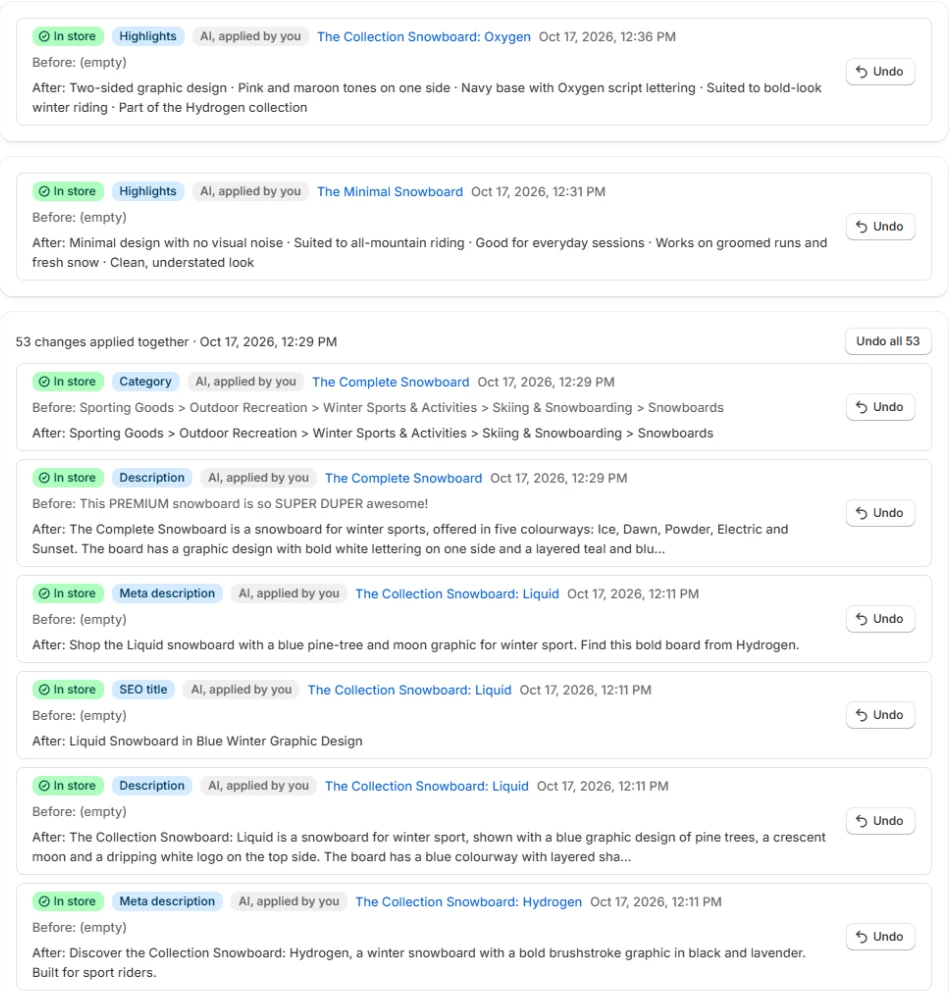
Find the gaps. Let AI fill them.
Every product checked for photos, texts, SEO and data, then fixed with AI you check first.
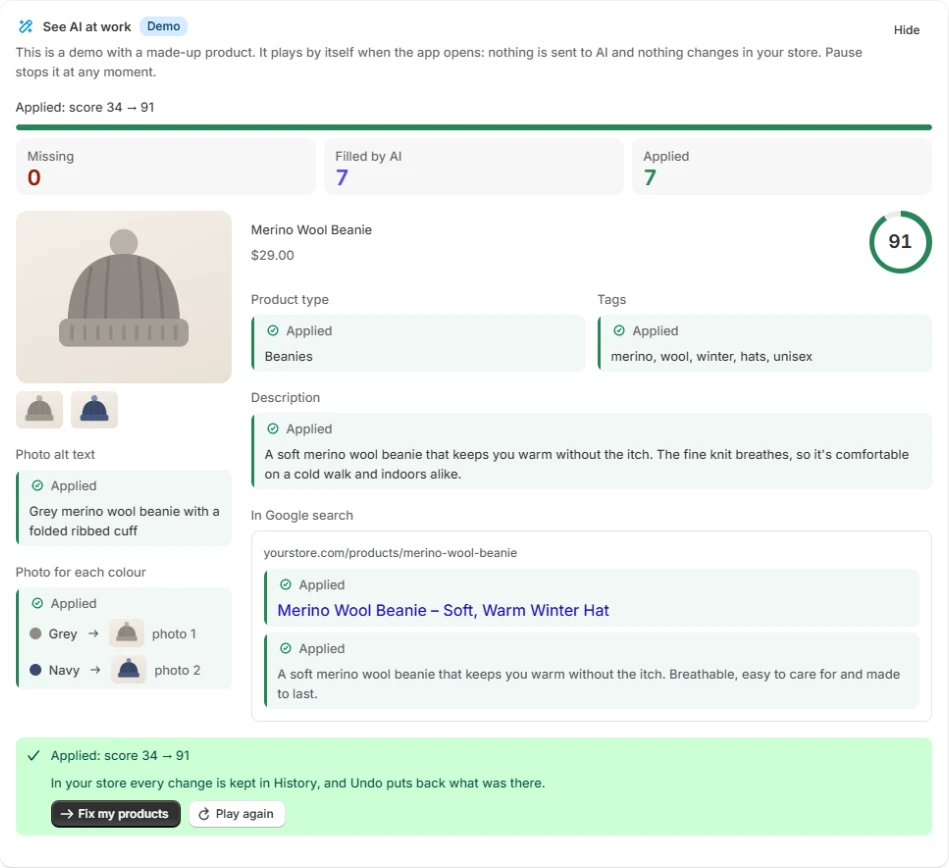
One score for the whole catalog.
Products checked and with problems, product health, problems by area and the score by day.
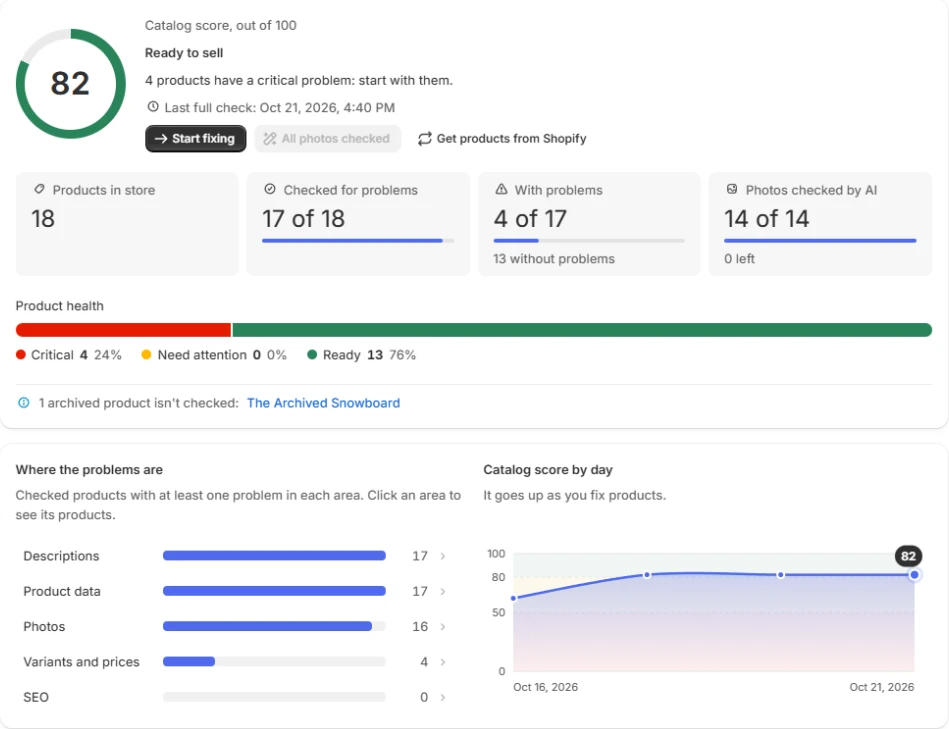
Fix everything with AI.
You choose the fields AI may write. Each product shows what AI can fix and what needs you.
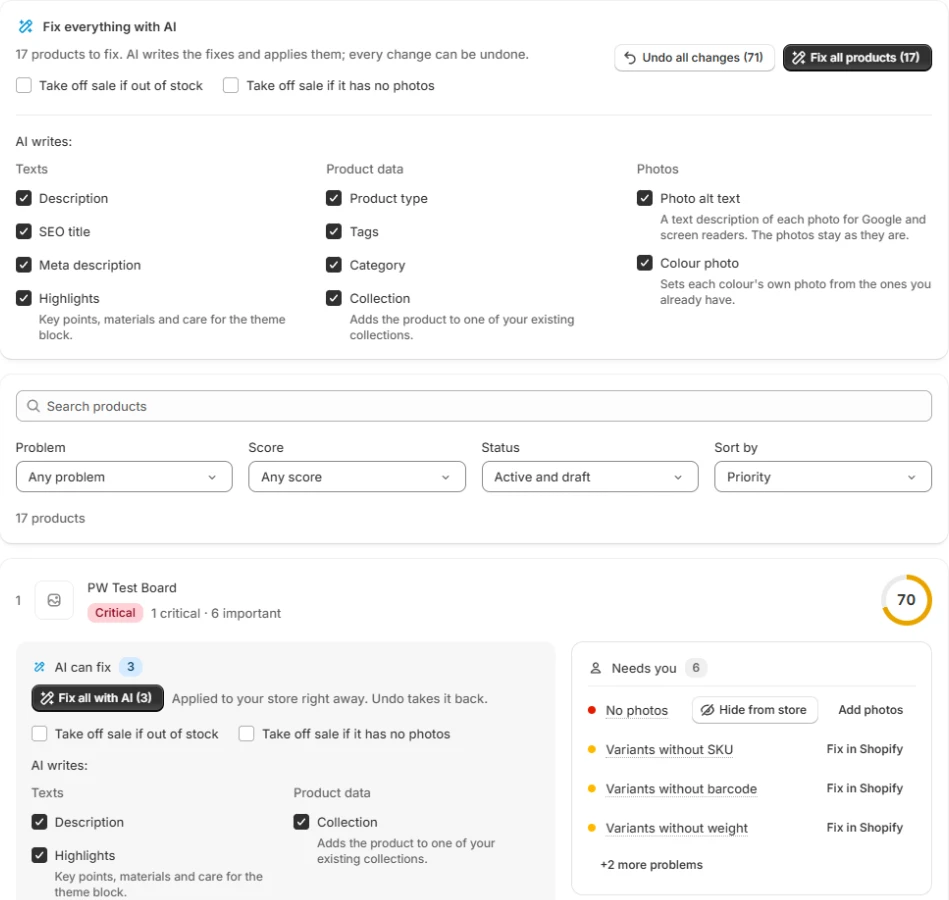
Every change can be undone.
Before and after for every change the app made, with Undo for one change or a whole batch.
How it works
Install it: every product and collection is checked and scored 0–100.
See what to fix first, ranked by how much each product sells.
Review AI fixes as before/after and apply the ones you like. Every change can be rolled back.
Your questions
Does it edit my products without asking?
No. Fixes wait for your review. Automatic filling for new products is a setting that stays off until you turn it on.
What does it check?
Photos, titles and descriptions, SEO fields, product data, prices and collections.
Can I undo a fix?
Yes. Every applied change is logged with the old value and can be rolled back.