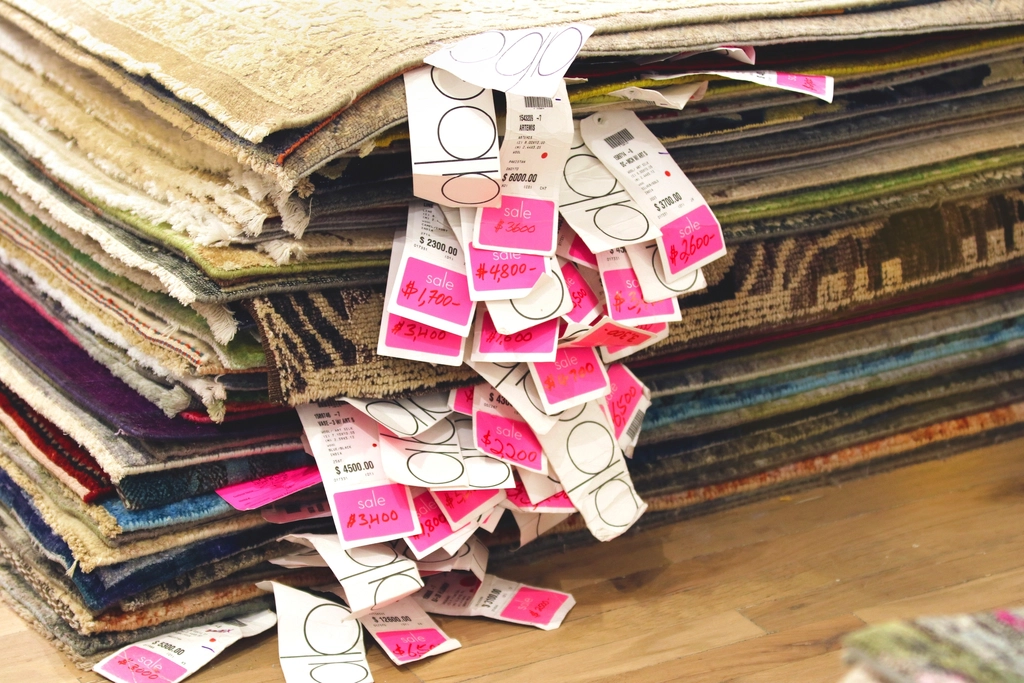
Shopify now shares your compare-at price with AI shopping agents through Shopify Catalog. The compare-at price is the higher "was" price shown next to the current price when a product is marked down. Until now, AI agents reading Catalog only saw the current price, so a markdown shown on your storefront was not visible to them.
Why it matters
If you mark products down, AI agents can now see the markdown as well as the lower price. That may help shoppers who ask an agent about deals understand what they are getting. The change does not say how much it affects sales, so treat it as a new place where your prices appear, and watch your orders to see whether it makes a difference.
What to do this week
- Open your admin settings and find the toggle in the "Compare-at" section.
- Decide whether AI agents should be able to view your compare-at prices, and make sure the setting matches your choice.
- If you run sales, check that your compare-at prices are correct, because agents will be able to read them.
- Read the catalog mapping help doc linked from the changelog if you want to know exactly how the data is shared.
Written with AI from the source above. If something looks off, the source is what counts.